Creative Tools · macOS
Cue
Multi-display video orchestrator
 macOS 14.0 or later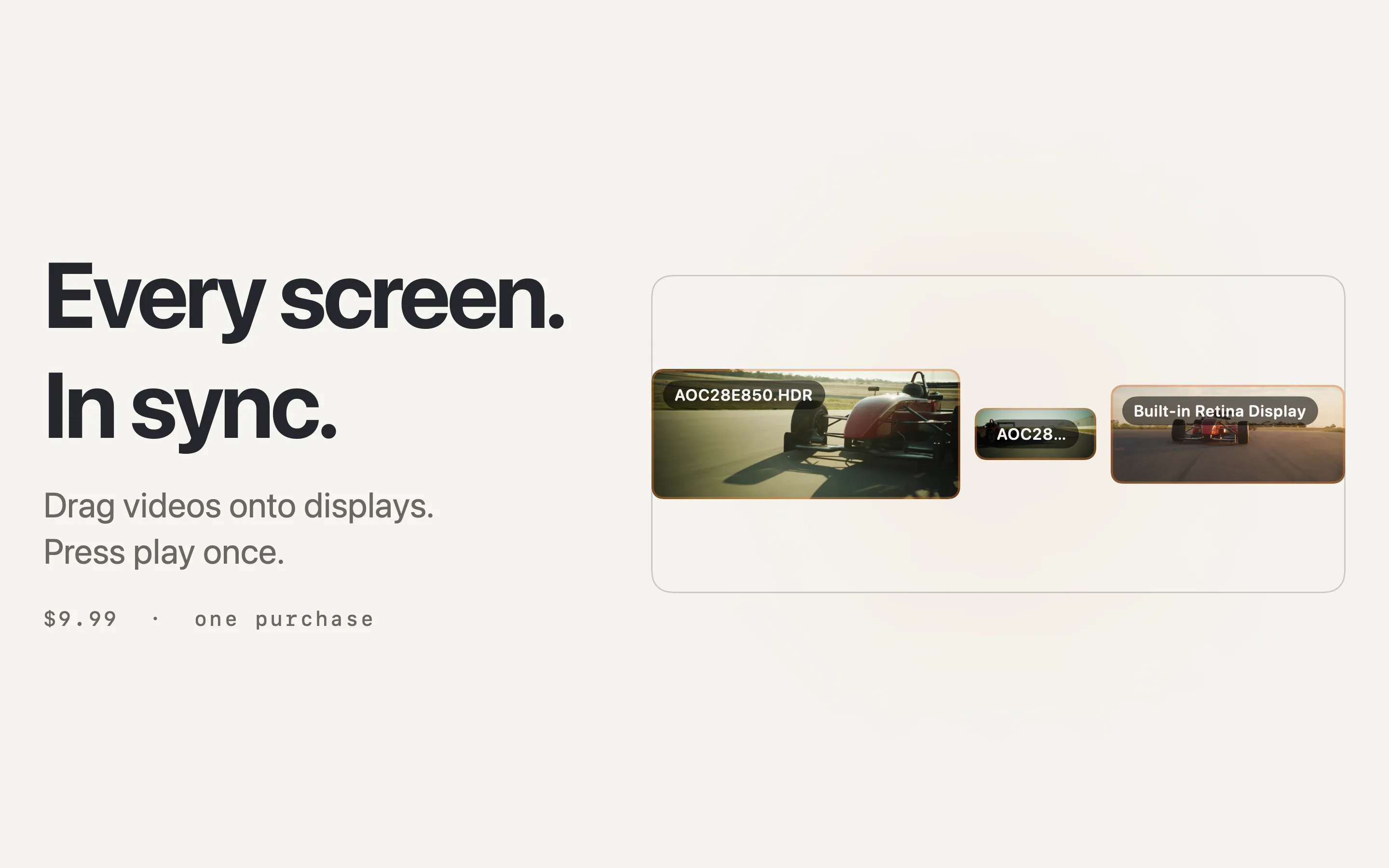
About
Playing different videos on different screens at the same time is painful. You end up juggling multiple media players, manually full-screening each one, and hoping they stay in sync.
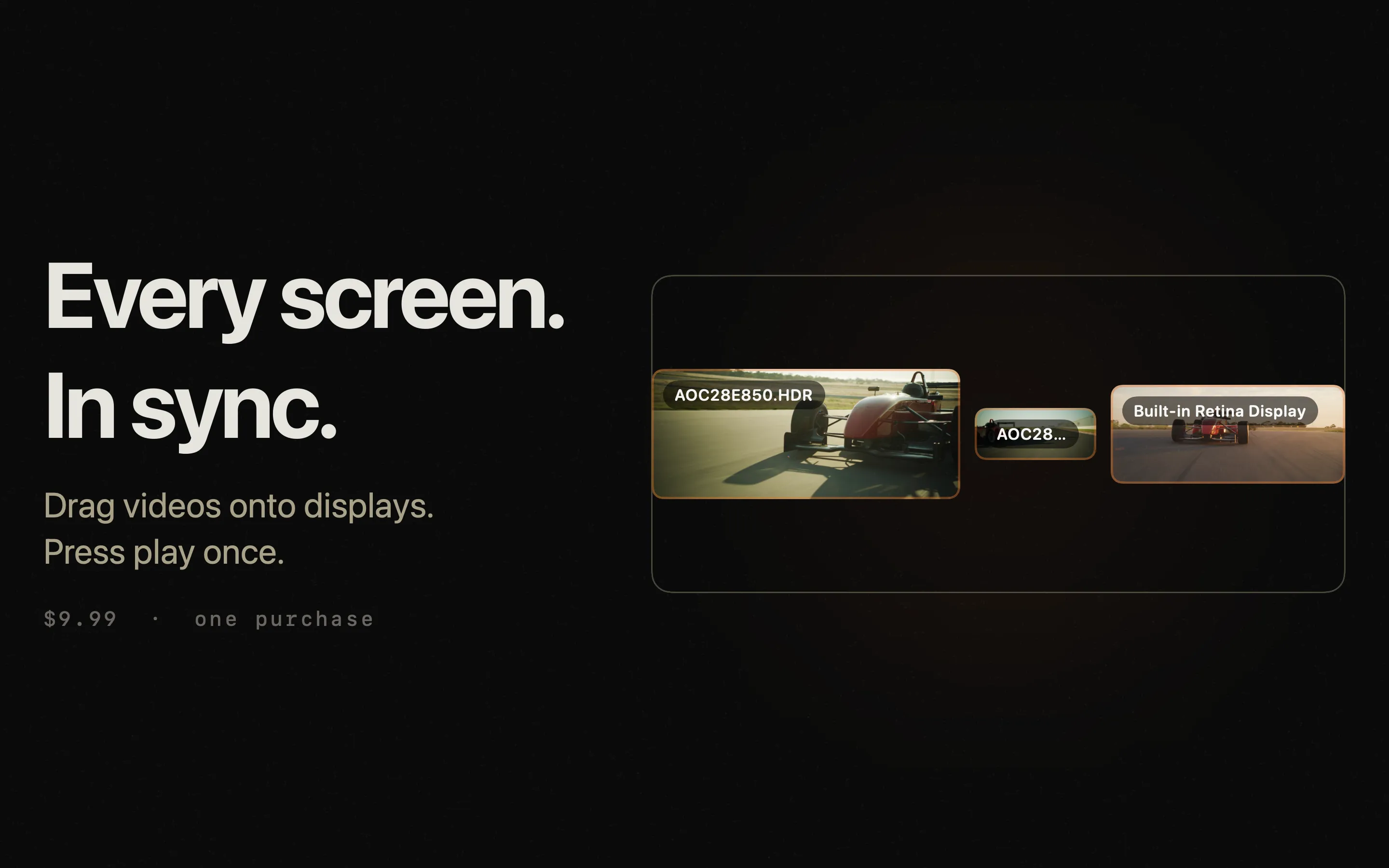
Cue mirrors your actual screen layout, lets you drag videos onto each display, configure playback per screen, and launch everything simultaneously with one click. Built for presentations, installations, and immersive setups.
Free to try on your primary display. Unlock multi-display synchronisation, queue and grid modes, mouse-over audio, and saved `.cueset` configurations with a one-off $6.99 in-app purchase.
Features
- Visual display mapping matching your actual screen arrangement
- Drag-and-drop video files onto each display
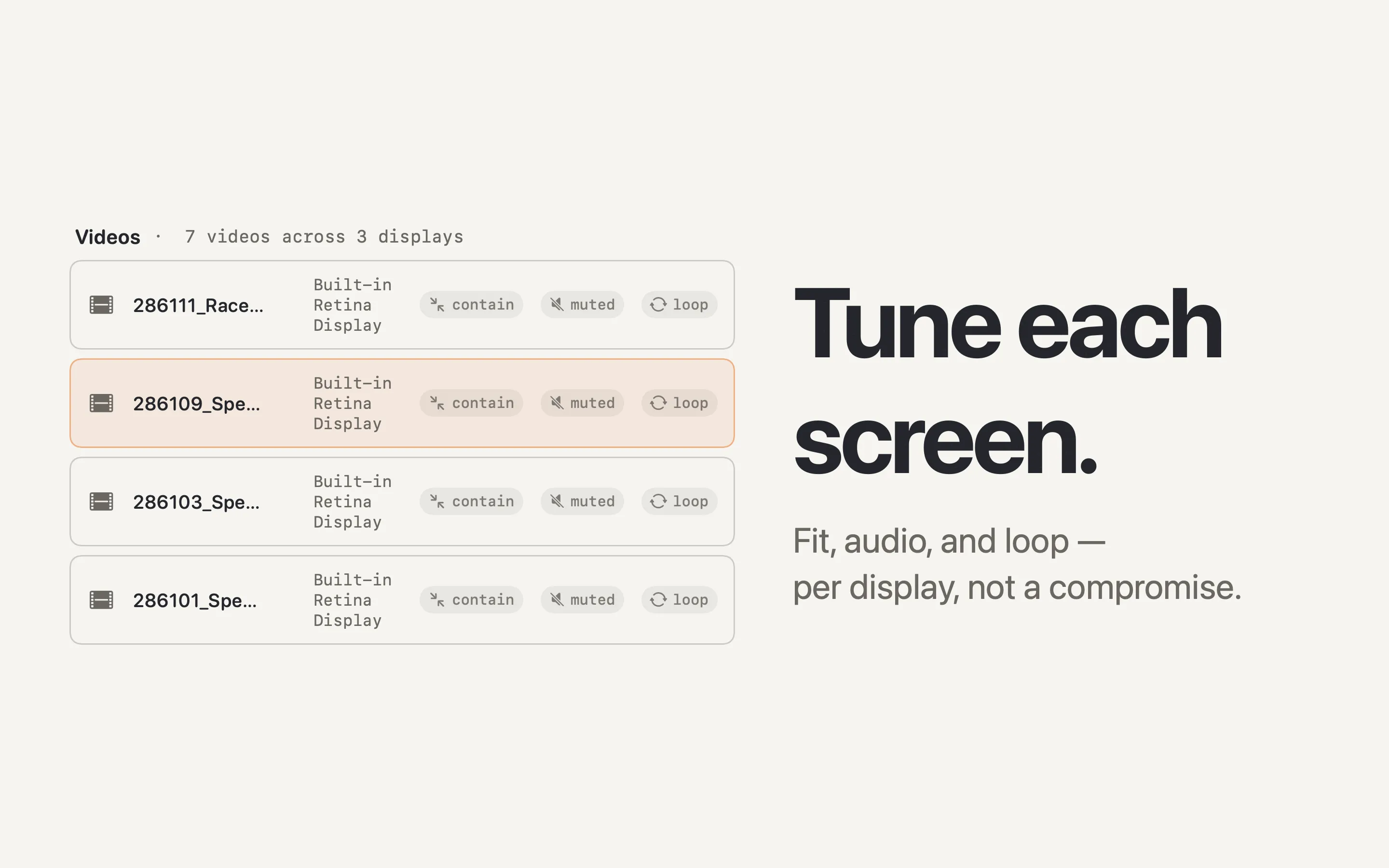
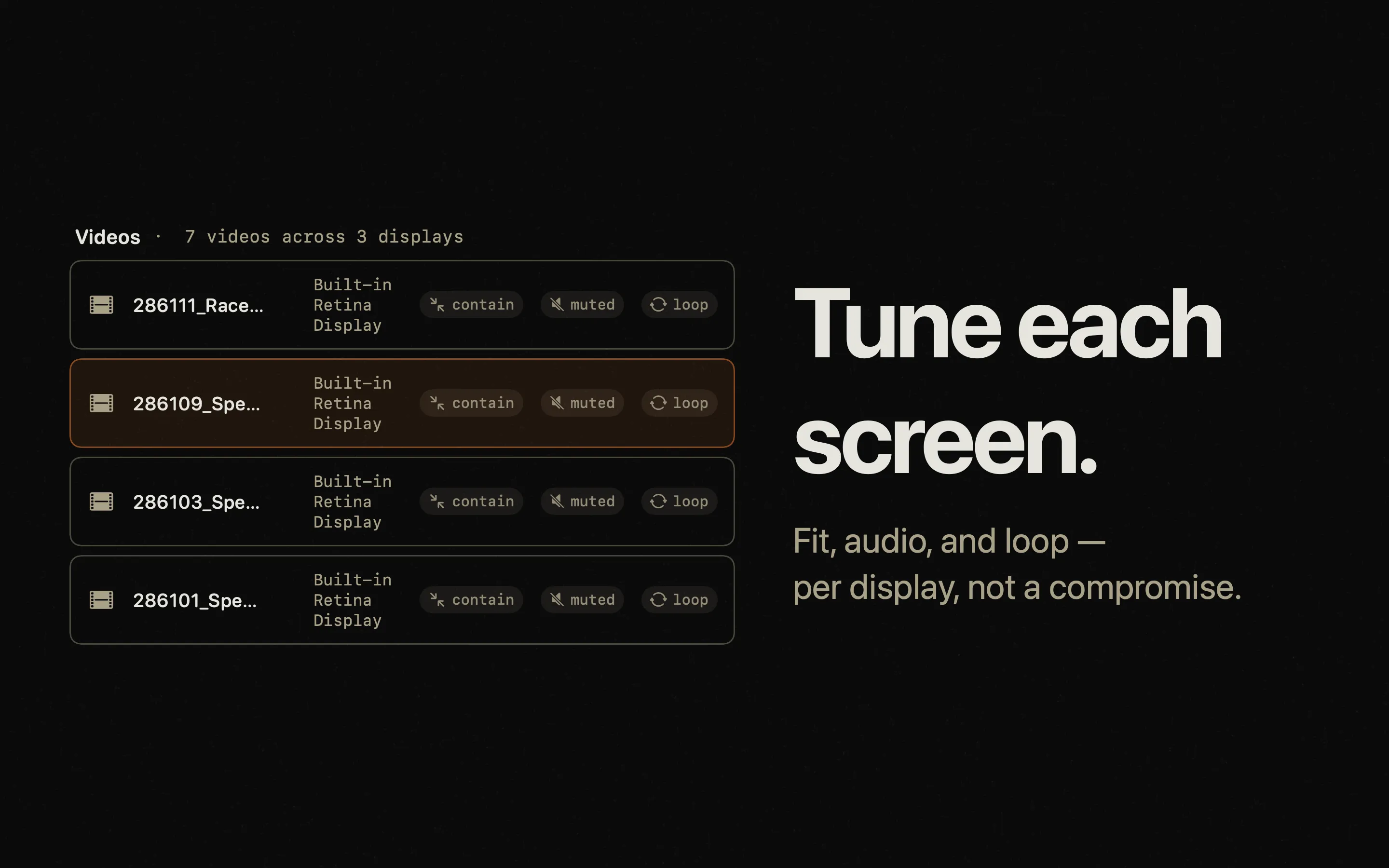
- Per-screen playback settings — fit mode, audio routing, loop control
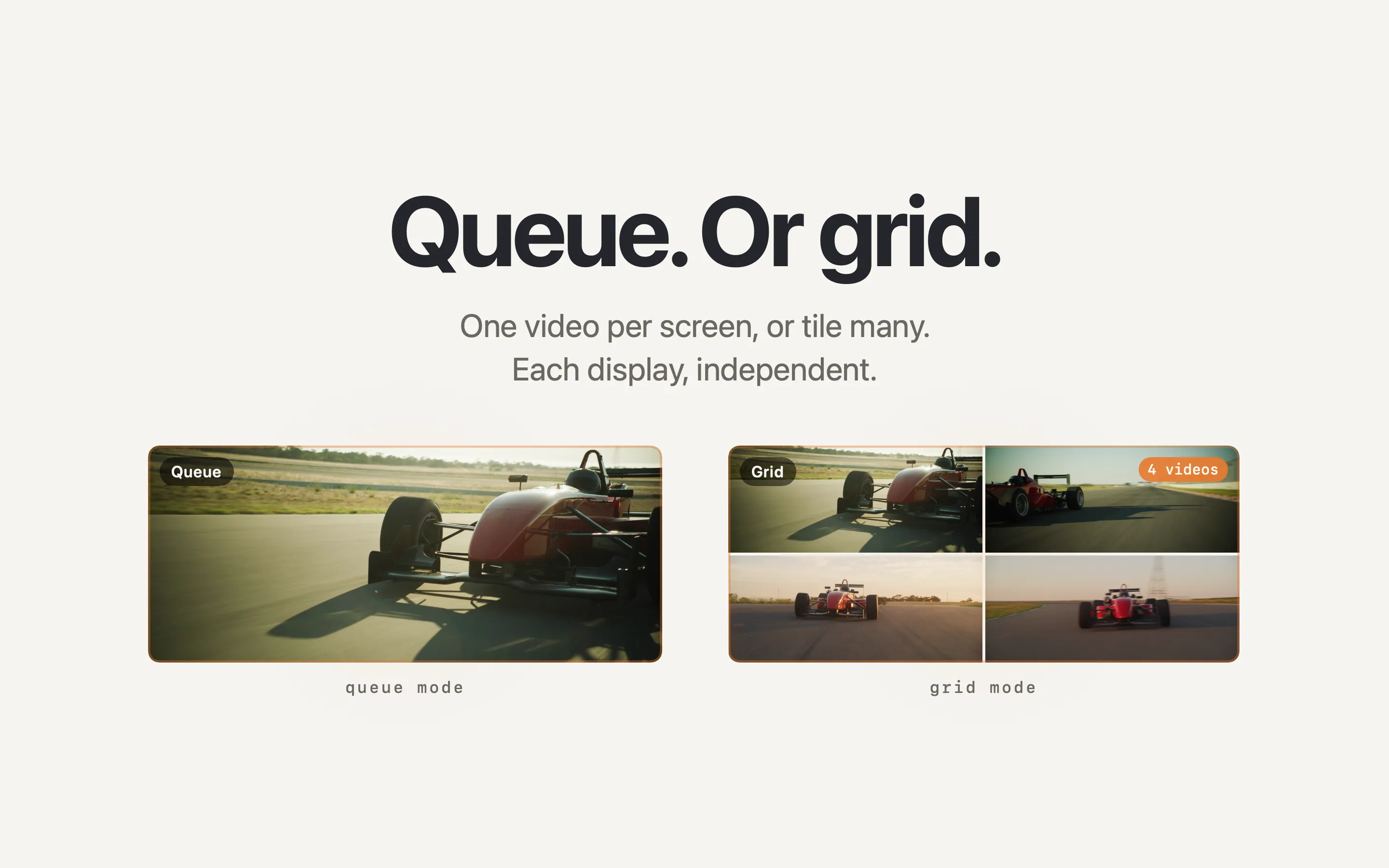
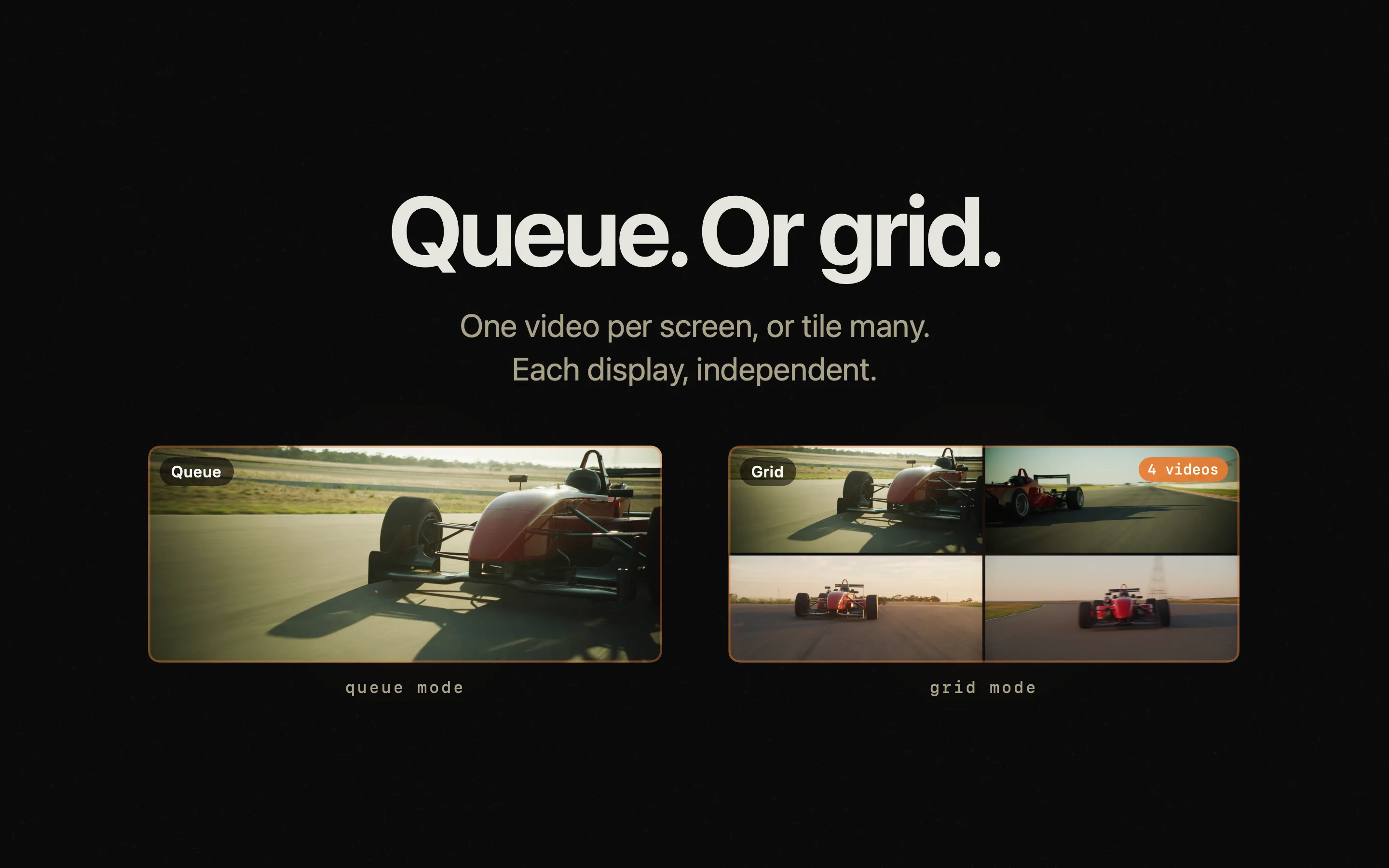
- Queue mode or grid mode for flexible layouts
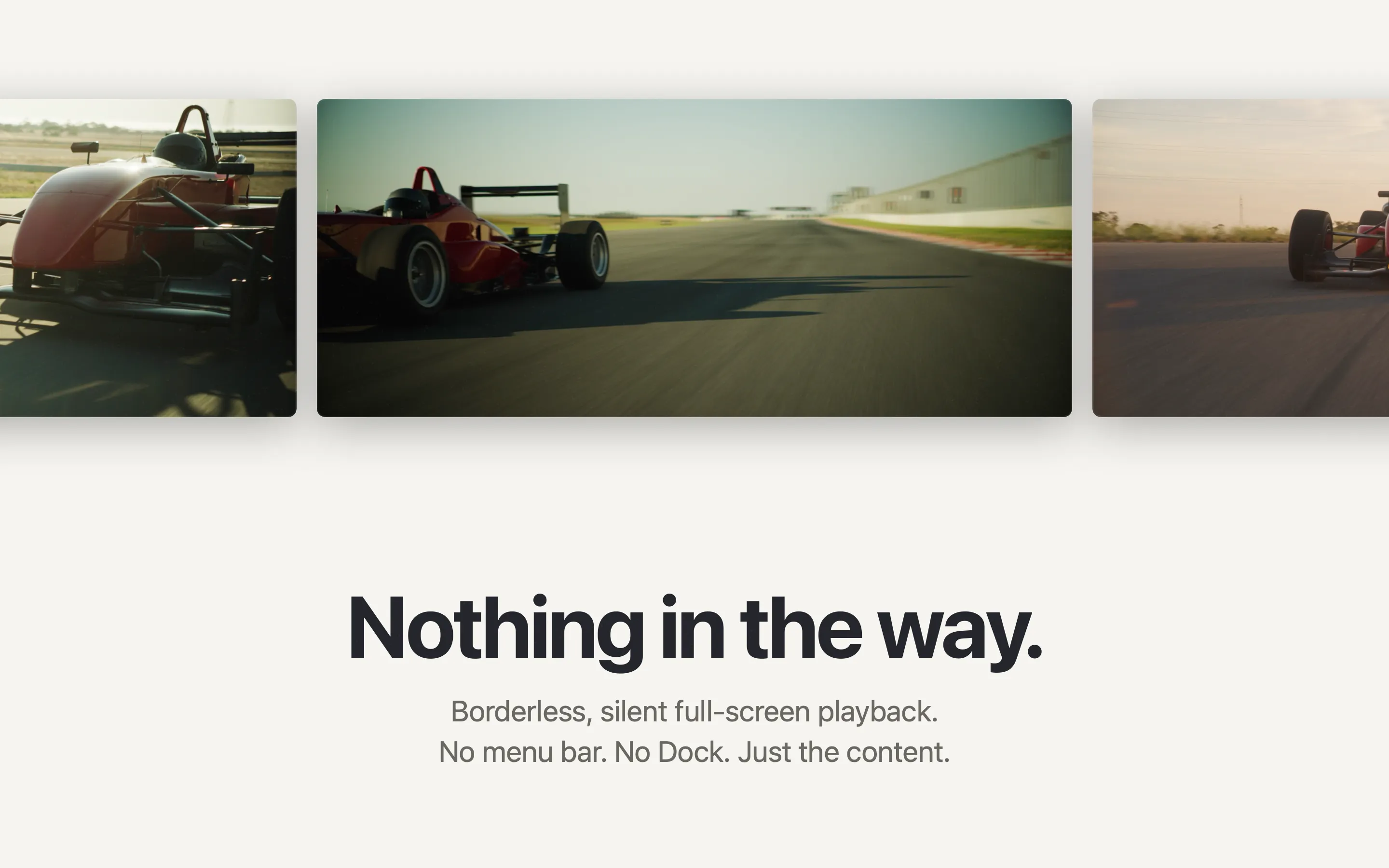
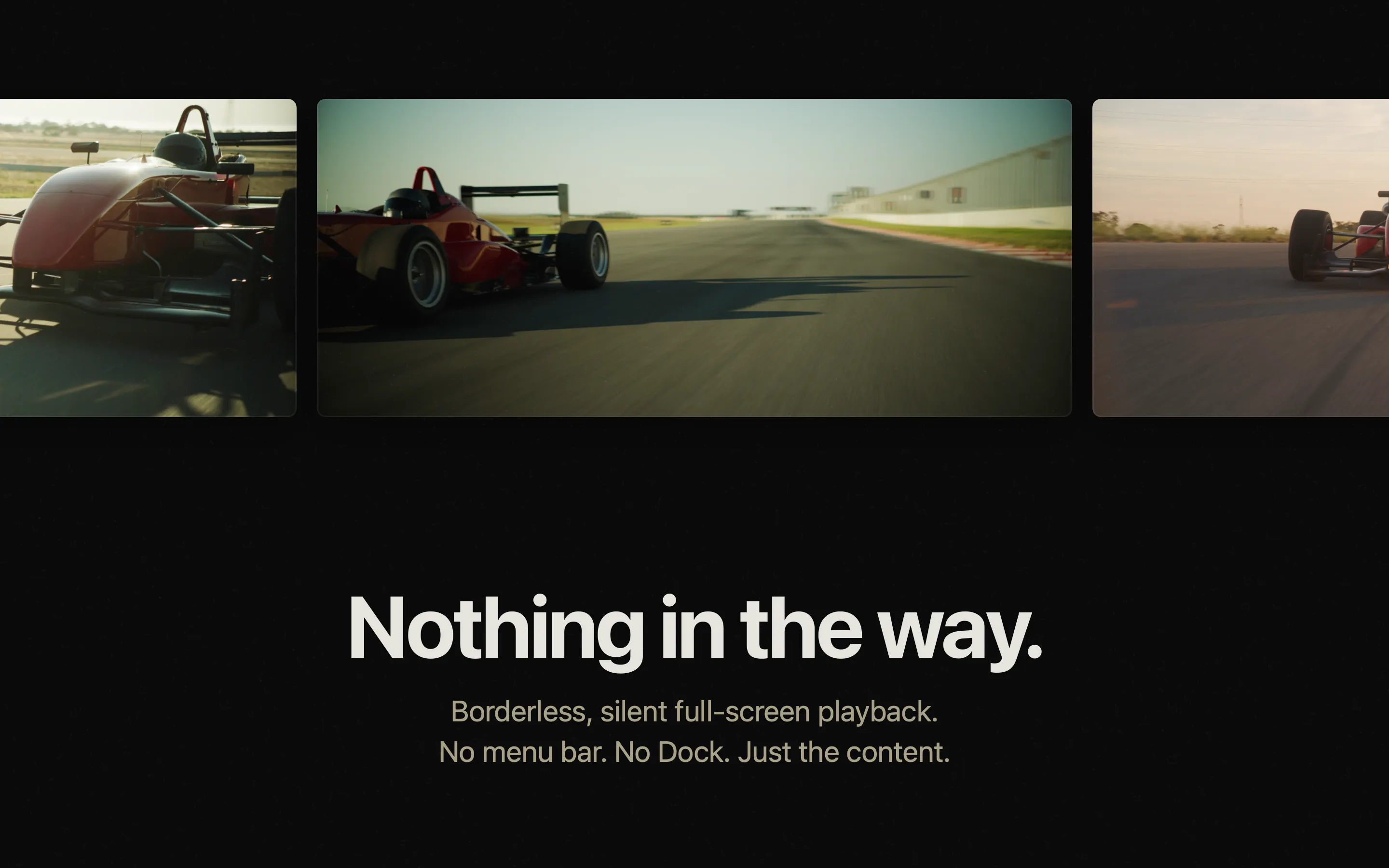
- One-click synchronised full-screen playback across all displays
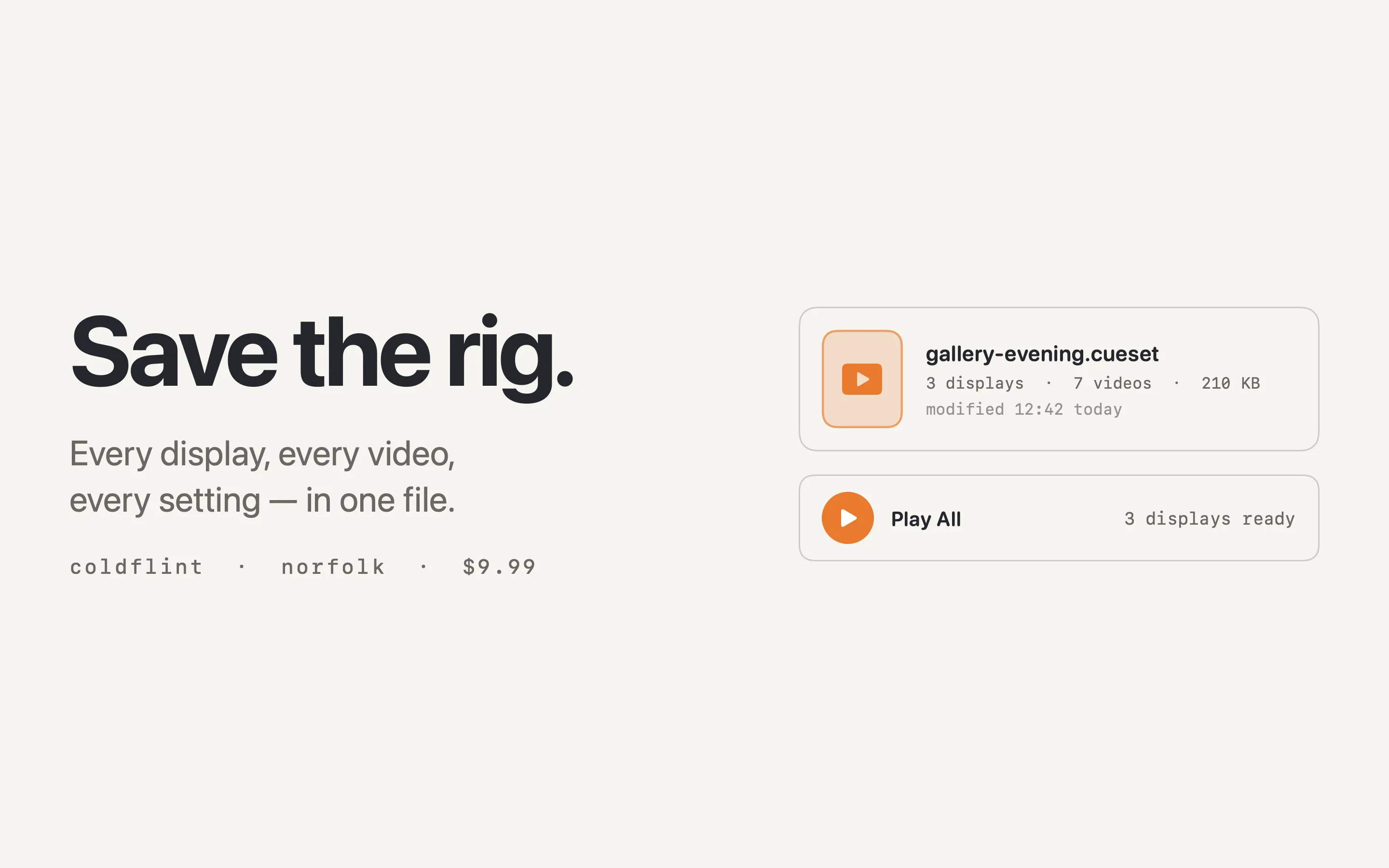
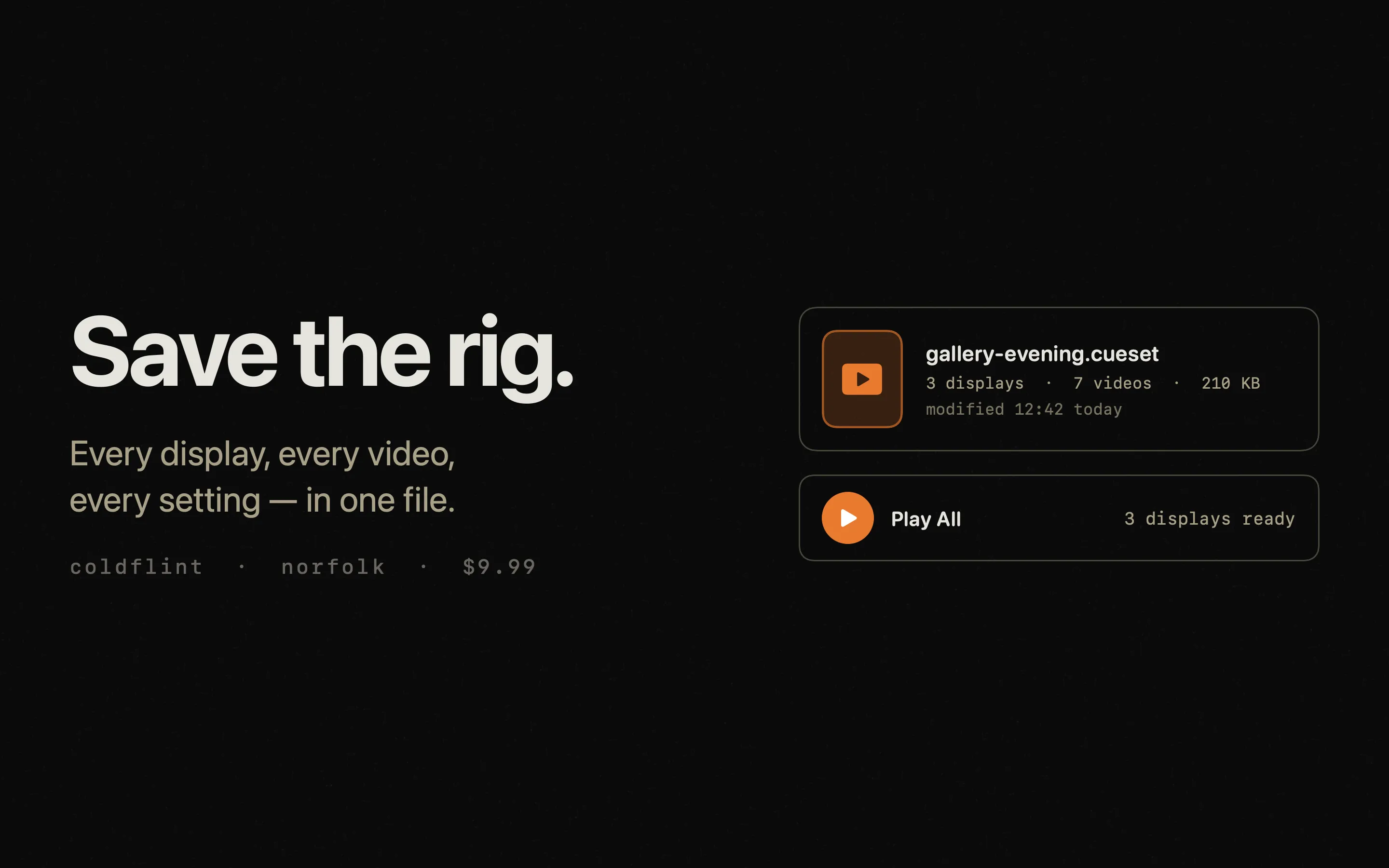
- Save and reload named configurations
Built in Norfolk. Free to try, $6.99 one-off to unlock everything. No subscription.
Also by Coldflint