Utilities · macOS
Chime
A gentle chime on the hour
 macOS 15.0 or later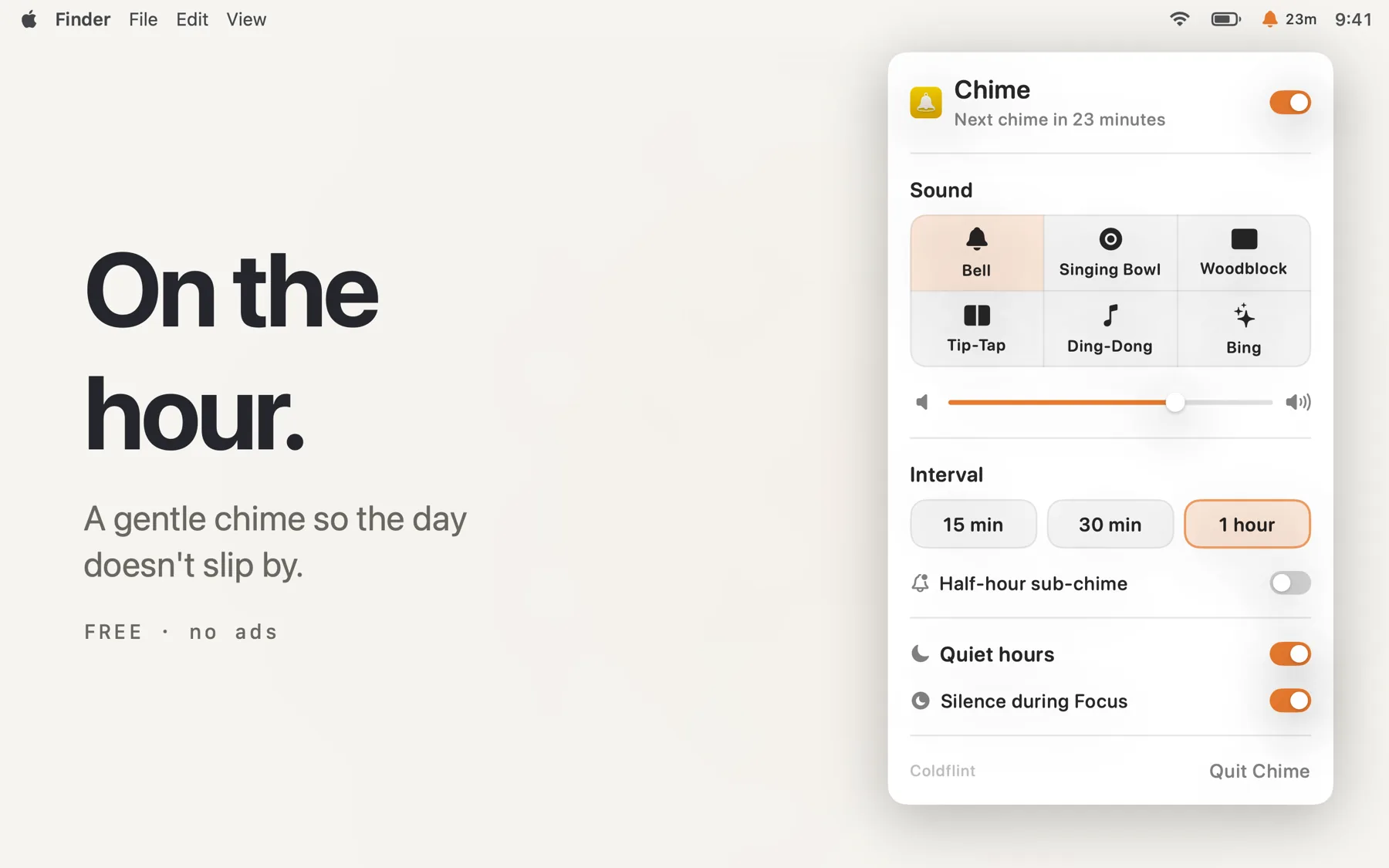


About
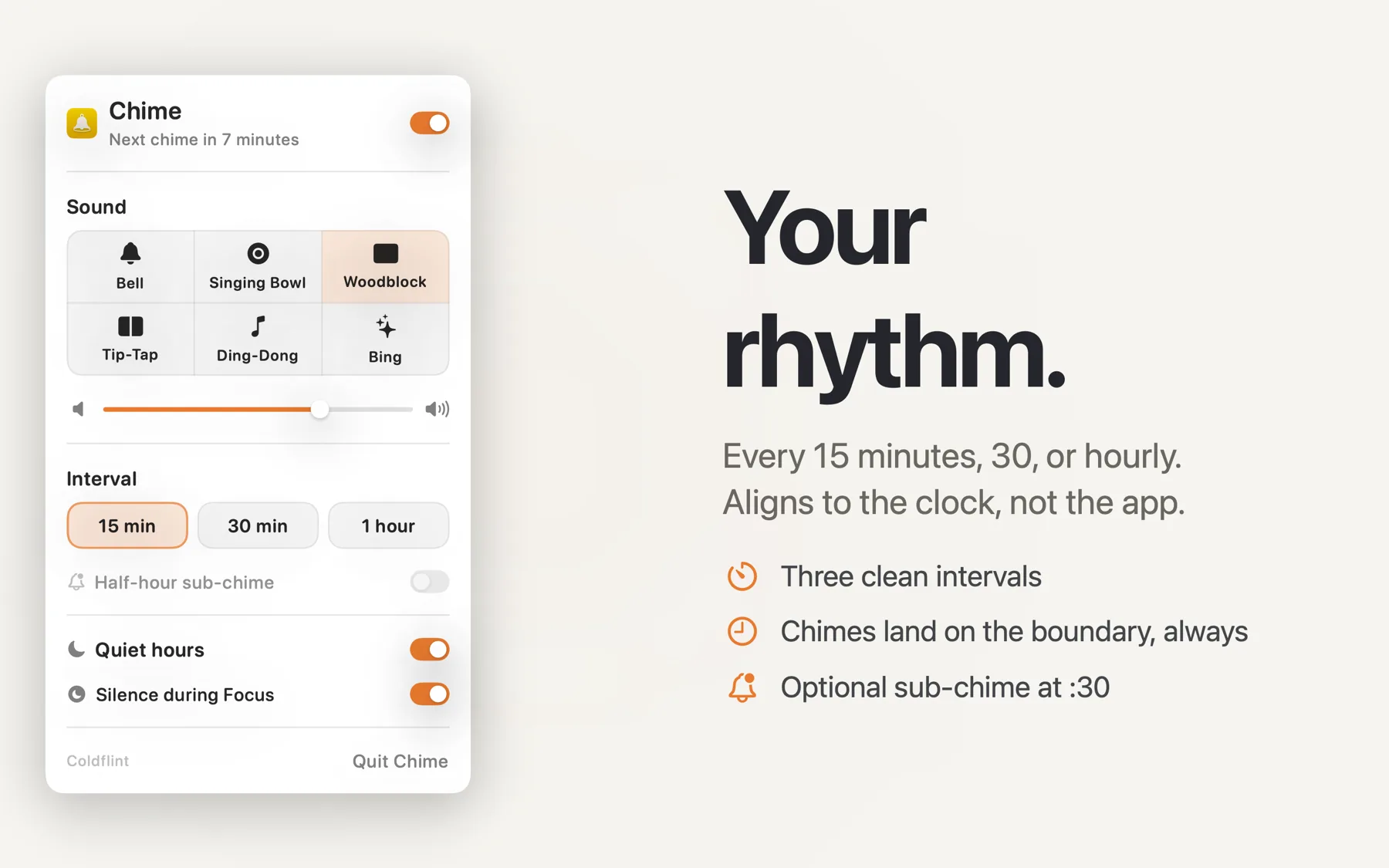
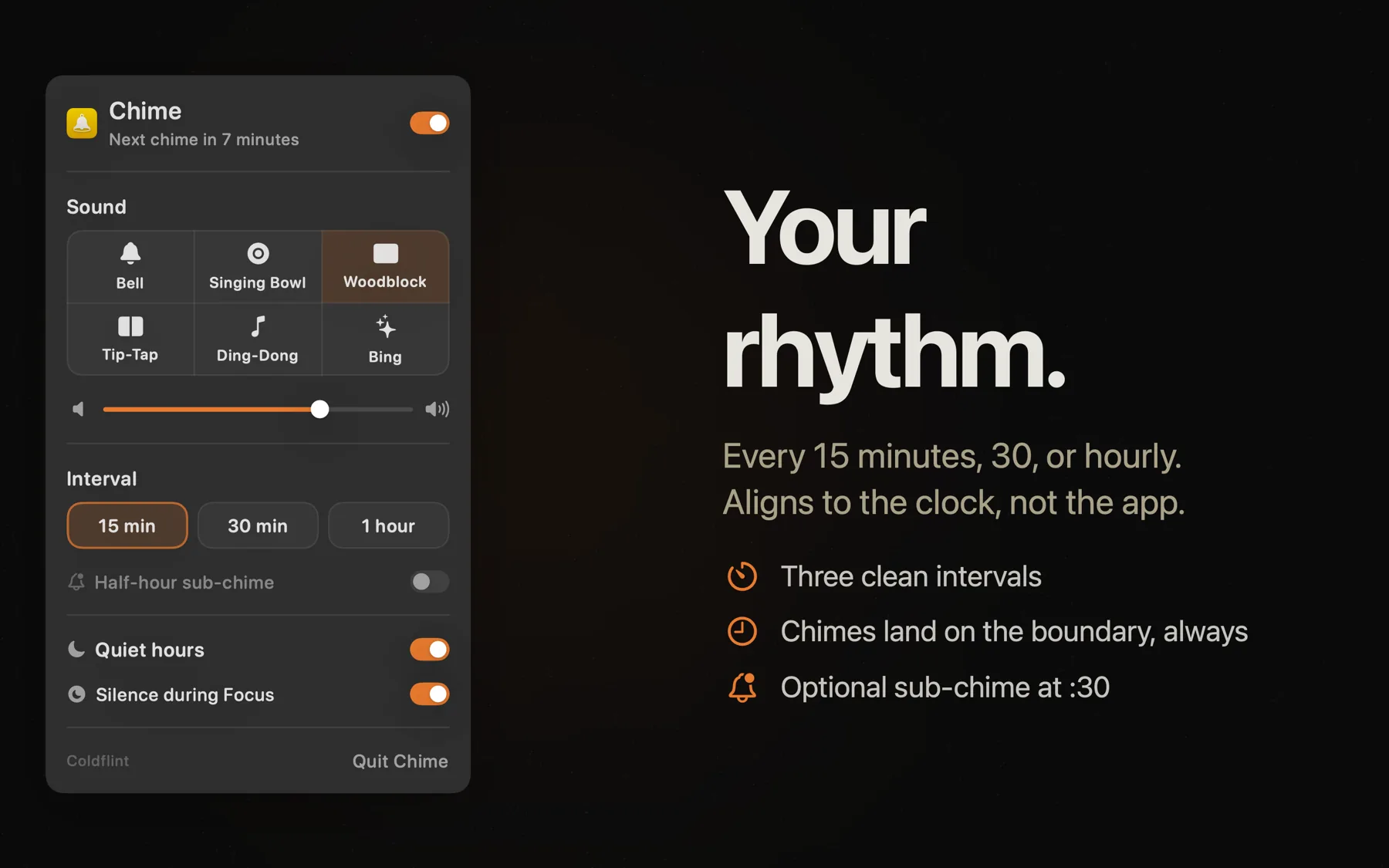
Hours disappear when you're deep in work. Chime sits in your menu bar and plays a gentle sound at regular intervals — every fifteen minutes, every half hour, or on the hour — so time doesn't slip away unnoticed.
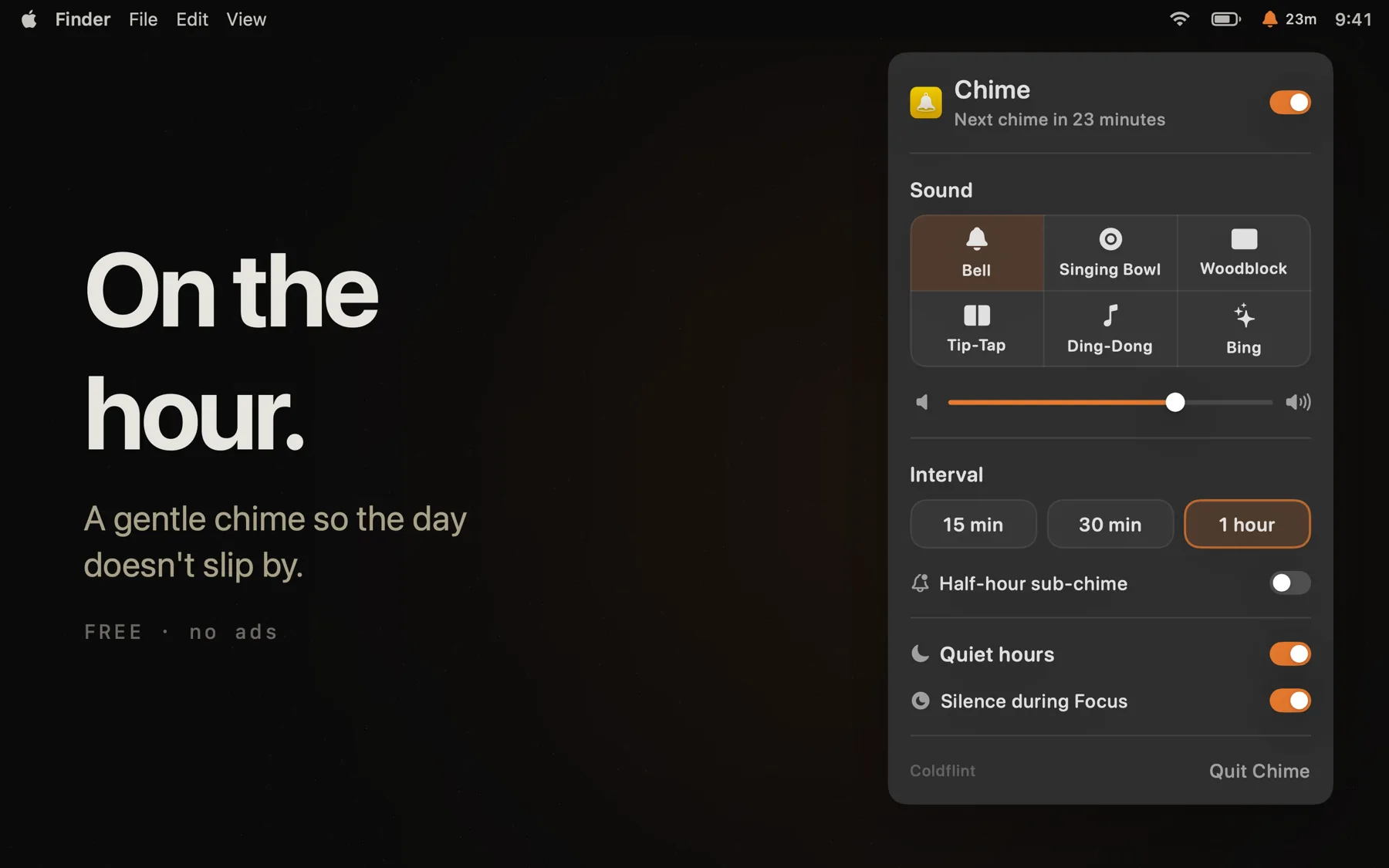
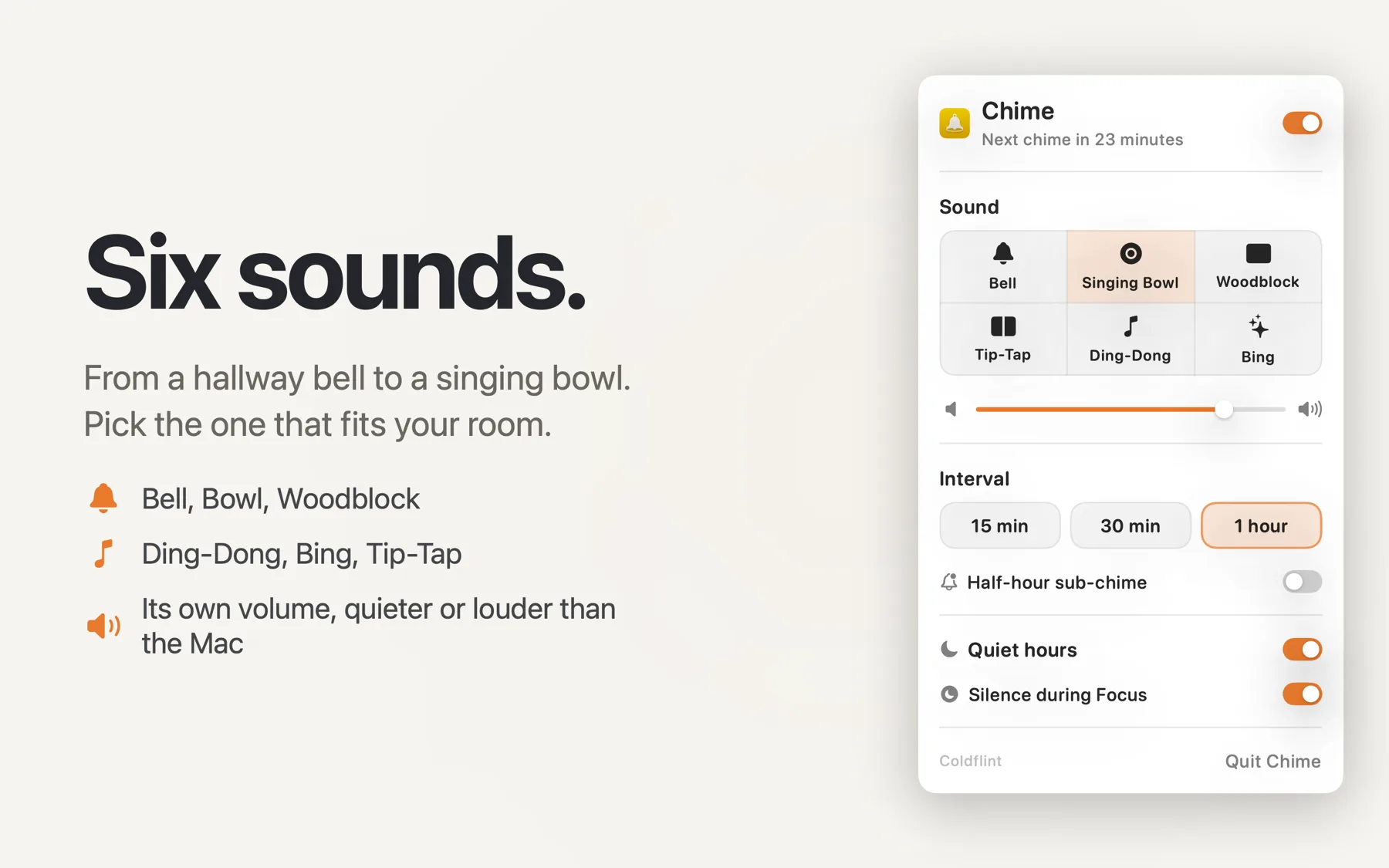
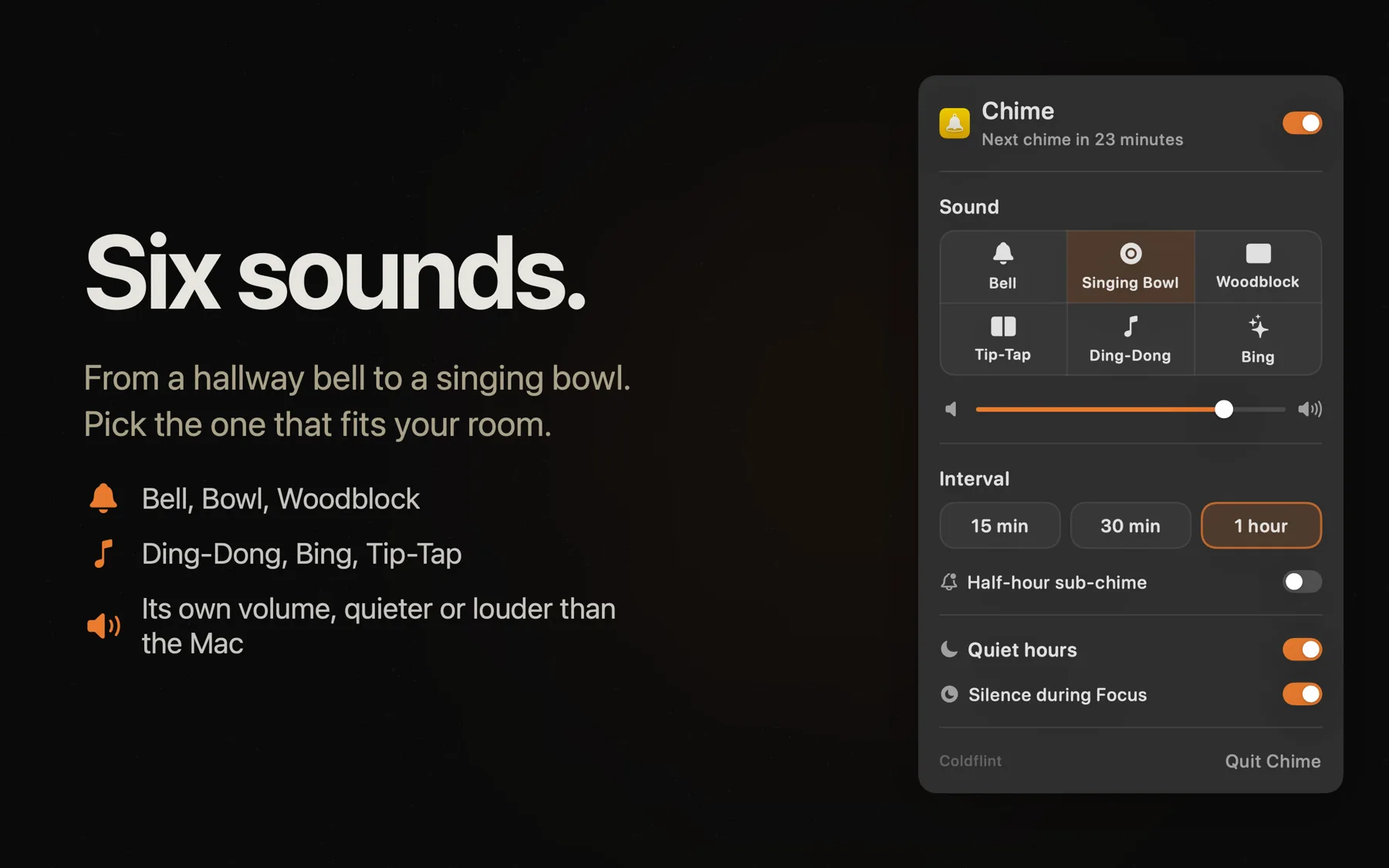
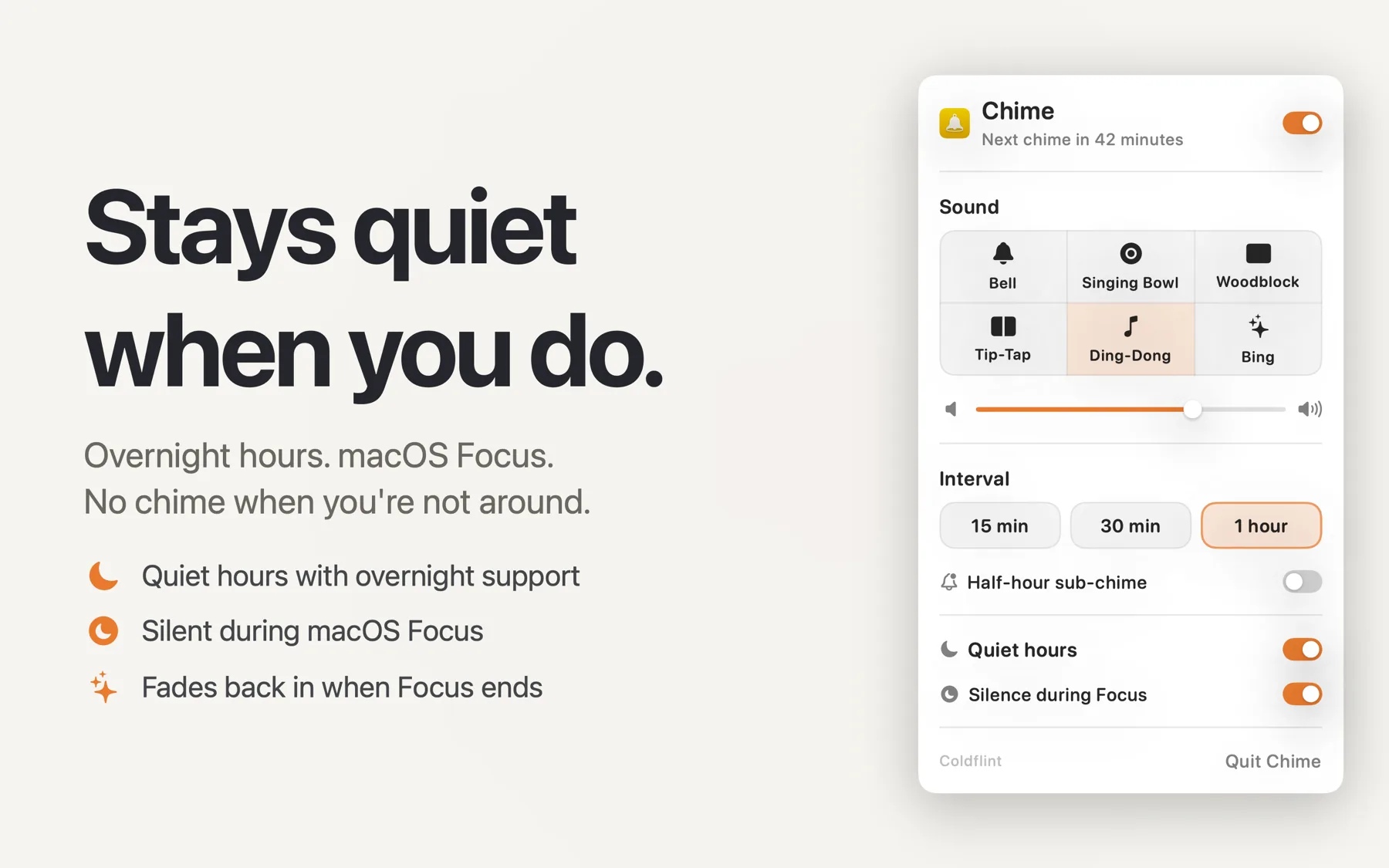
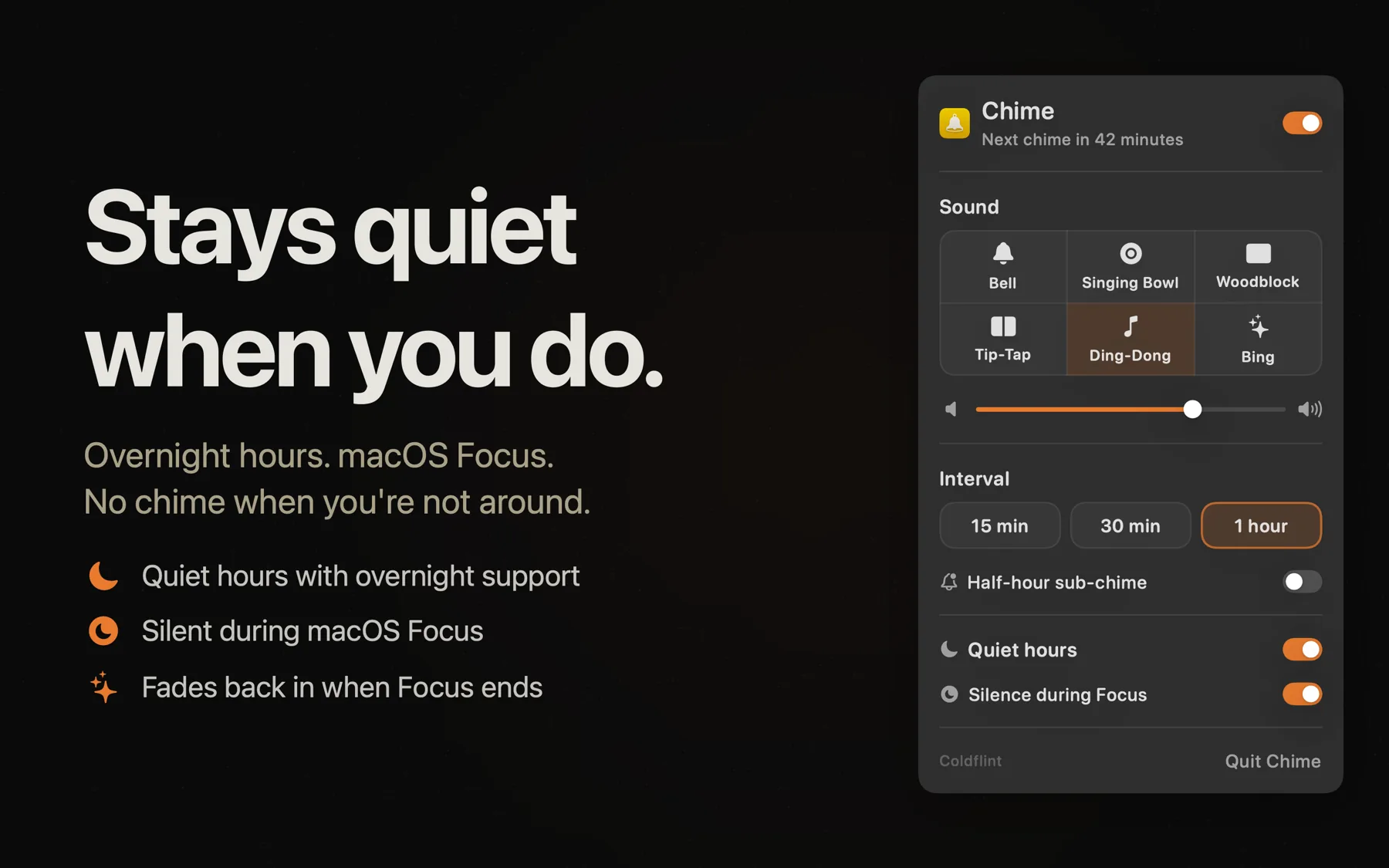
Pick from four built-in sounds, set your own volume independently of the system, schedule quiet hours for overnight silence, and let it go silent automatically when Focus mode is active. A live countdown in the menu bar shows exactly when the next chime will sound.
Features
- Soft chime at 15-minute, 30-minute, or hourly intervals
- Six built-in sounds: Bell, Singing Bowl, Woodblock, Tip-Tap, Ding-Dong, Bing
- Independent volume control, separate from system volume
- Optional half-hour sub-chime at reduced volume
- Quiet hours scheduling to silence chimes overnight
- Automatic silence during macOS Focus mode
Built in Norfolk. Free. No ads, no accounts, no catch.
Also by Coldflint