
Utilities · macOS
Typo
System-wide text transformer
Download — FreemacOS 15.0 or later
About
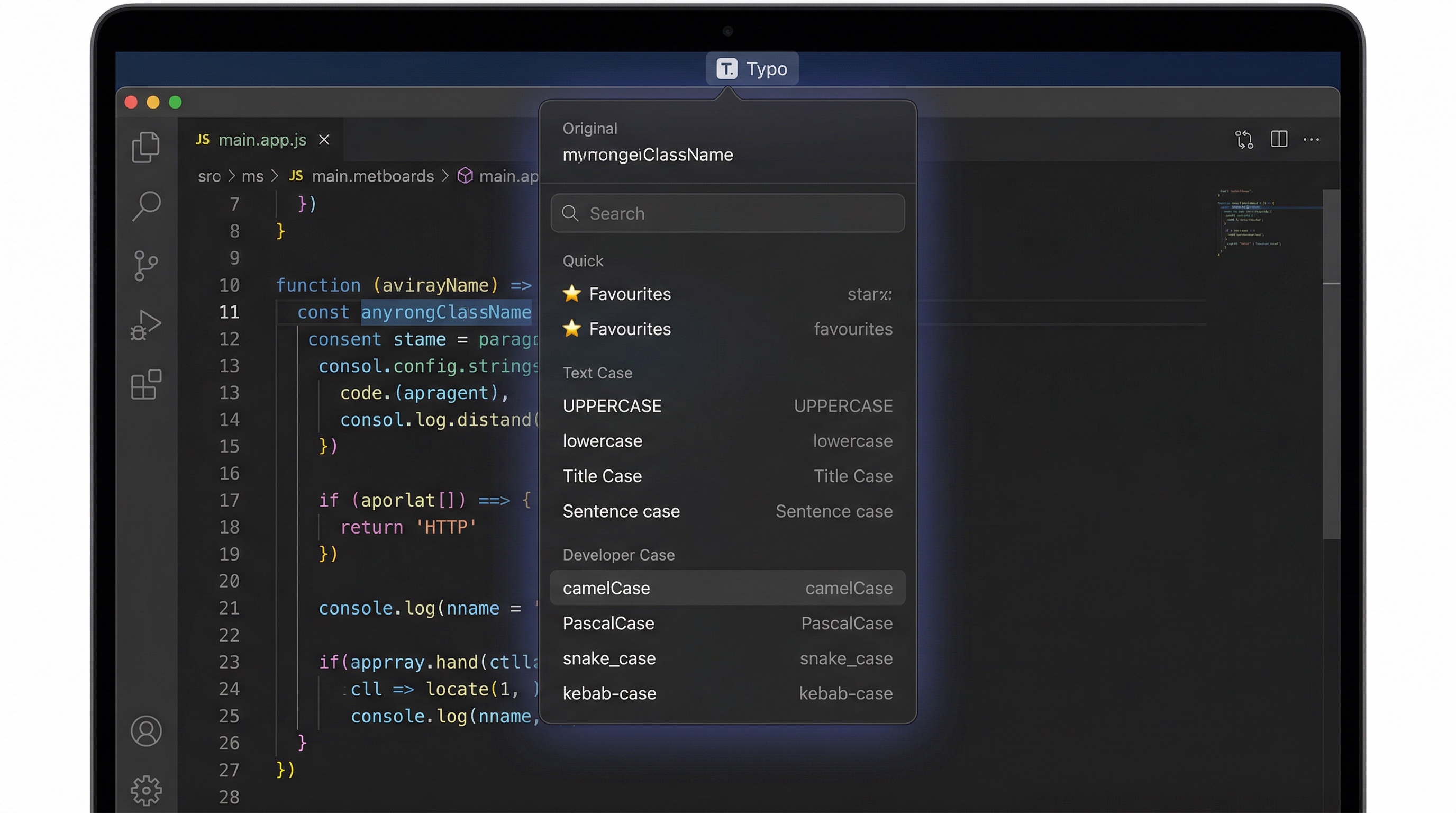
Changing text case shouldn't mean opening a separate app, pasting, transforming, copying, and pasting back. Typo does it in place. Select text anywhere on your Mac, press a global shortcut, and a floating panel appears with a live preview of every transform.
Twelve built-in transforms cover everyday formatting — uppercase, title case, camelCase, snake_case, URL slugs, and more. Favourites and recents keep your most-used transforms one keystroke away. Your clipboard is saved and restored automatically.
Features
- Global hotkey captures selected text from any application
- Floating transform panel with live previews near the cursor
- 12 built-in transforms across Text Case, Developer Case, and Cleanup
- Favourites and recents for quick repeat access
- Fully keyboard-driven: search, arrow keys, Enter to apply
- Clipboard saved and restored automatically after each transform
Built in Norfolk. Free. No ads, no accounts, no catch.
Download on the Mac App StoreAlso by Coldflint